Gamble bot

Overview
Gamble bot is a bot that you can chat with and ask to play games of odds with you or solve simple equations as a bonus. The games you can play with gamble bot are: Coinflip and Roll, with coinflip the bot chooses randomly between Heads or Tails. With Roll the bot chooses a random number between 1 and 100.
Reflection
This is the first discord bot i created with the help of a tutorial on youtube. The things i strugled most with was setting up the code in visual studio, using a custom library for the bot and coding in general. I also used .NET but i honestly did not really knew what i was doing on that part because it is really hard to learn. I had fun with this project and would do it again sometime in the future.
What I Used



Features
• Coinflip
• Roll
• Command list
• Json reader
• simple equations
Development Sheet
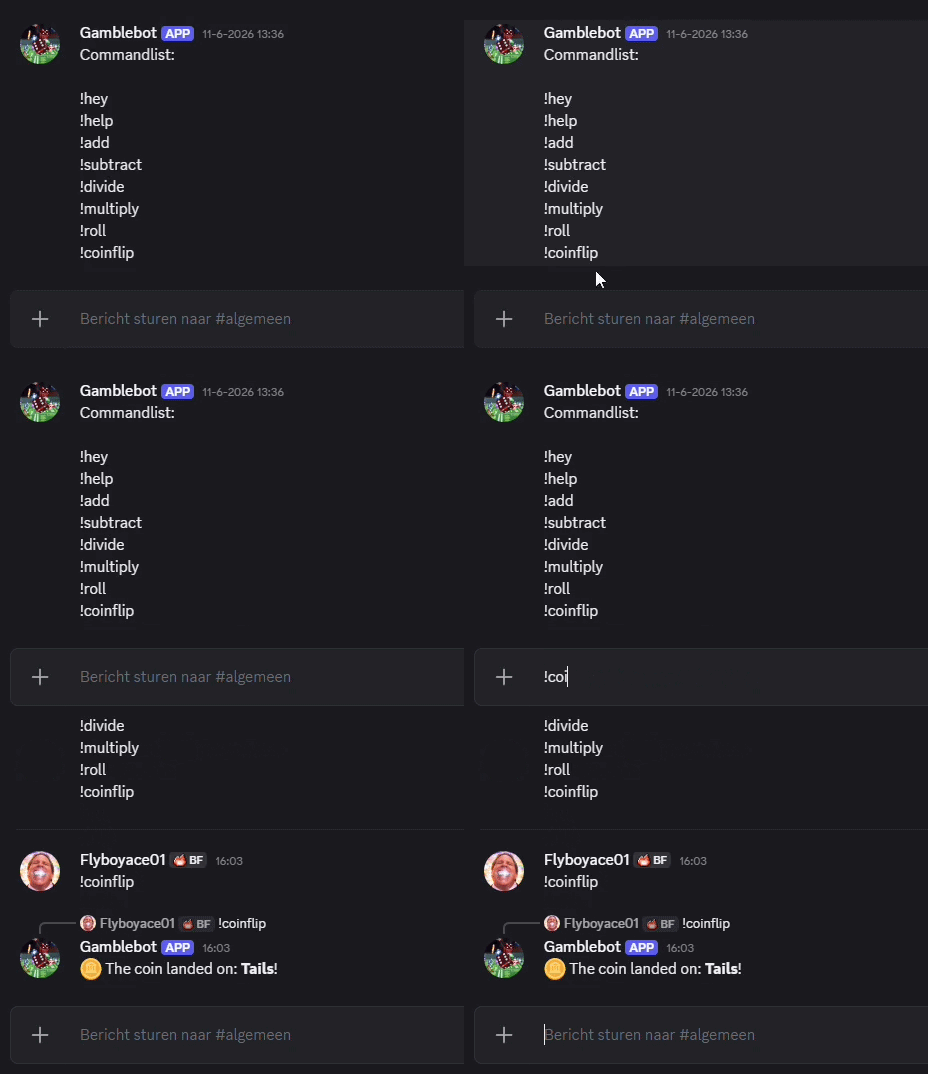
[Command("coinflip")]
public async Task CoinFlipAsync(CommandContext ctx)
{
    string result = _random.Next(2) == 0 ? "Heads" : "Tails";

    await ctx.RespondAsync($"🪙 The coin landed on: **{result}**!");
}
Coinflip
the user types "!coinflip" and the bot flips the coin with a random outcome
- 🎲 Uses a random number generator to create a random outcome.
- 💬 Displays the result directly in the Discord chat.
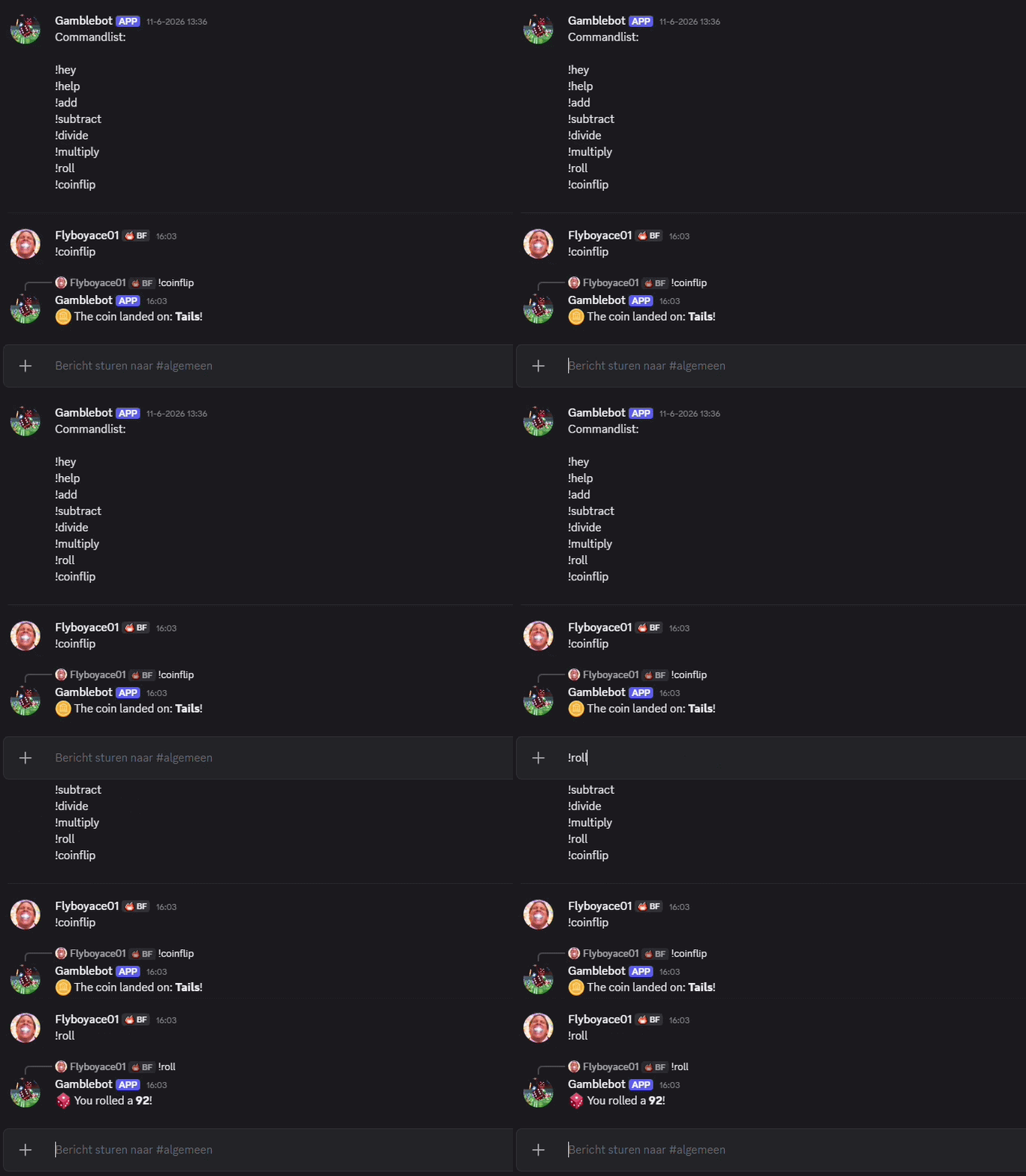
[Command("roll")]
public async Task RollAsync(CommandContext ctx)
{
    int randomNumber = _random.Next(1, 101);

    await ctx.RespondAsync($"🎲 You rolled a **{randomNumber}**!");
}
Dice roll
The user types "roll" and the bot chooses a random number between 1 and 100
- 🎲 Generates a random number between 1 and 100.
- ⚡ Uses asynchronous programming (async/await).
internal class Jsonreader
{
    public string token { get; set; }
    public string prefix { get; set; }

    public async Task ReadJSON()
    {
        using (StreamReader sr = new StreamReader("config.json"))
        {
            string json = await sr.ReadToEndAsync();
            JSONStructure data = JsonConvert.DeserializeObject(json);

            this.token = data.token;
            this.prefix = data.prefix;
        }
    }
}

internal sealed class JSONStructure
{
    public string token { get; set; }
    public string prefix { get; set; }
}
Json reader
The Json reader is specifically made to load the bot token and read the prefix of the Discord bot
- 🔑 Loads the Discord bot token from the config.json file.
- ⚙️ Reads the bot's command prefix (e.g., !, ?, $) from the configuration file.
- 🔄 Converts JSON data into C# objects, making the bot configuration easy to access and manage.
Project Type: Discord bot
Role: Solo Dev
Status: Done